
Browser Based Panorama Software: Stitch and Edit 360 Images Online
Looking for browser based panorama software? Learn how AerialPin lets you stitch multiple photos into 360 panoramas, view your images interactively and add annotations directly in your browser.
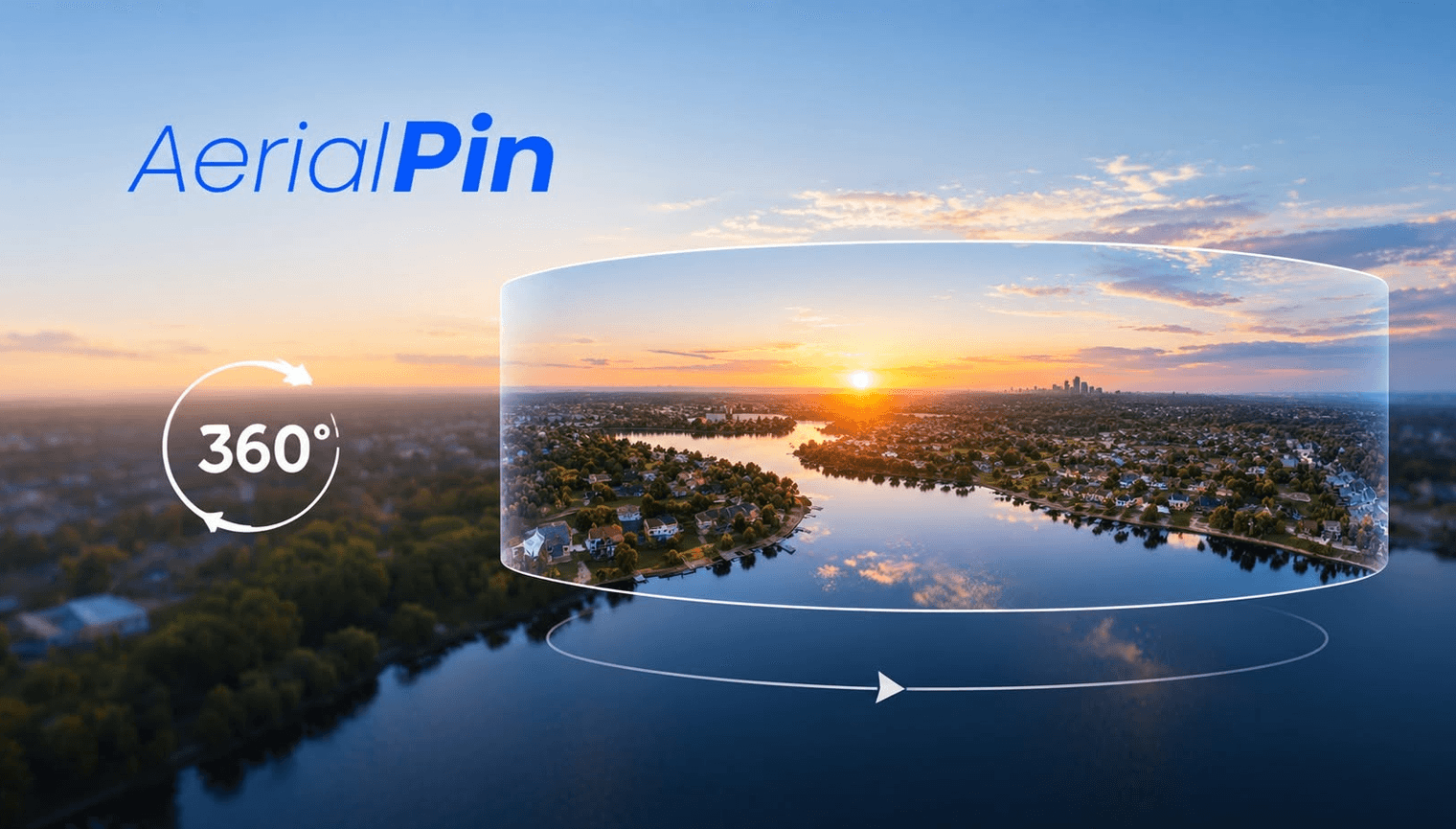
Looking for browser based panorama software to turn multiple photos into a 360 panorama? AerialPin lets you work with panoramic imagery directly in your browser, making it easier to stitch, view and annotate aerial photography without relying entirely on desktop software.
What Is Browser Based Panorama Software?
Browser based panorama software allows you to work with panoramic images through a web browser rather than installing dedicated panorama software on your computer.
This can be useful for drone operators, real estate photographers, property marketers and land developers who want a simple way to work with aerial panoramas.
Stitch Multiple Photos Into a Panorama
With AerialPin, you can upload multiple overlapping photographs and stitch them together into a panorama.
This is particularly useful for drone photography, where you may capture a series of images around a location and want to combine them into one panoramic view.
Instead of manually positioning each photograph, AerialPin handles the panorama stitching workflow so you can move on to working with the completed image.
View and Edit 360 Panoramas
Once your images have been stitched, you can view the resulting panorama using AerialPin's interactive 360 panorama viewer.
You can look around the scene and check your panorama before adding annotations.
This browser-based workflow makes it easier to keep your 360 photography workflow in one place.
Annotate Your 360 Images
AerialPin also lets you work with annotations on your 360 panoramas.
You can highlight useful information such as:
- Property boundaries
- Locations
- Roads
- Buildings
- Points of interest
- Development areas
- Custom pins
This can be especially useful for real estate 360 photography and aerial property marketing.
Why Use Browser Based Panorama Software?
A browser-based workflow can be useful when you want to:
- Avoid installing additional desktop software
- Work with panoramas from different computers
- Stitch multiple aerial photographs
- View 360 images interactively
- Annotate panoramic imagery
- Keep your aerial photography workflow simple
For drone operators and real estate photographers, being able to move from multiple aerial photos to a stitched and annotated panorama can save time and reduce the need to use several different applications.
Create Panoramas With AerialPin
AerialPin combines panorama stitching, 360 viewing and annotation into a browser-based workflow.
The process is simple:
Upload → Stitch → View → Edit → Annotate
If you're looking for browser based panorama software for drone photography, real estate imagery or 360 aerial photography, try AerialPin.