
Top 5 Best Panorama Stitching Software
Looking for the best panorama stitching software? Explore AerialPin, PTGui, Hugin, Adobe Lightroom and Affinity Photo for stitching multiple photos into panoramic and 360 images.
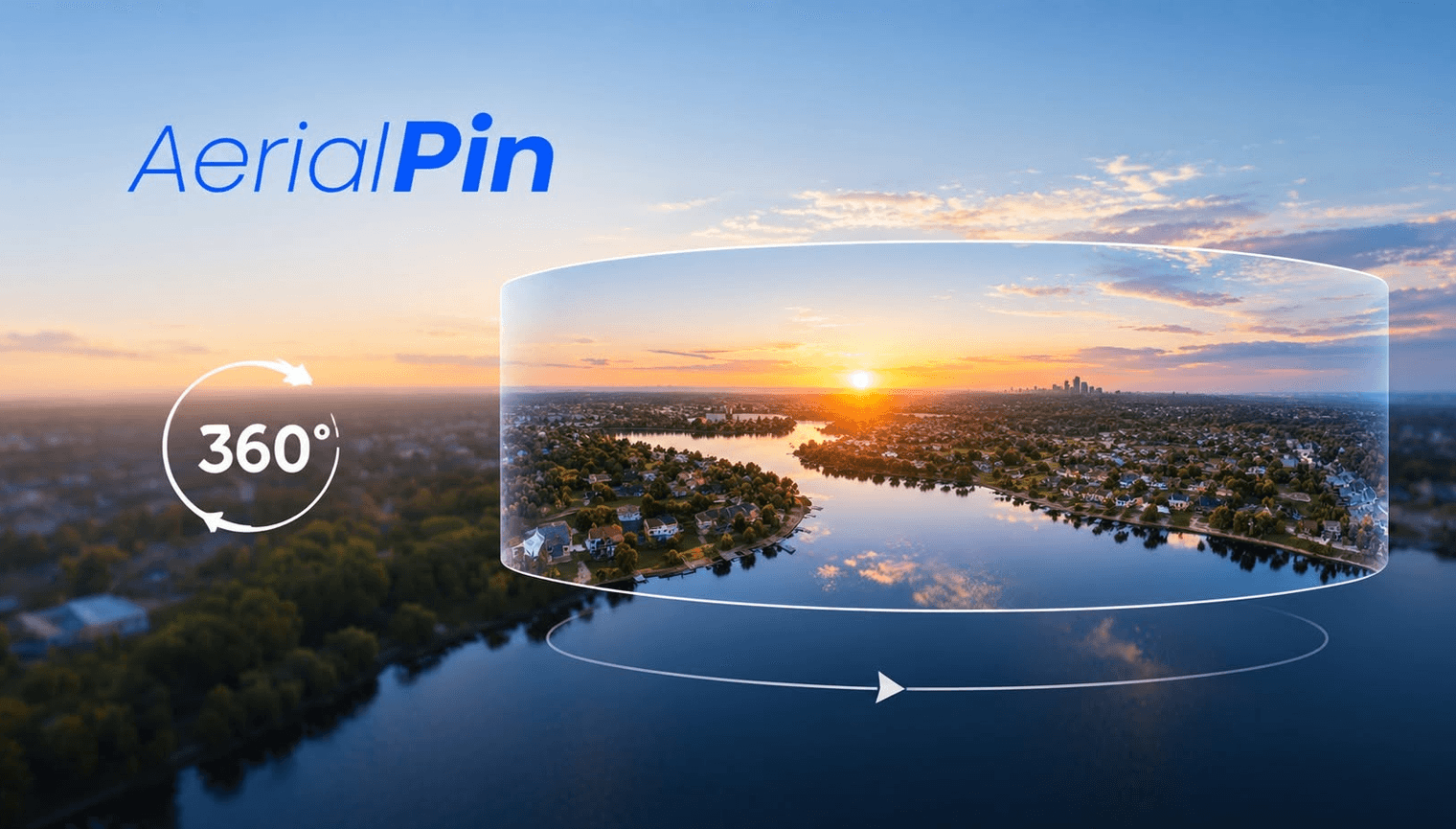
Looking for the best panorama stitching software to turn multiple photos into a panoramic or 360 image? There are several tools available, from dedicated desktop panorama software to browser-based solutions.
Here are five panorama stitching options worth considering.
1. AerialPin
AerialPin is a browser-based panorama stitching tool designed around aerial and drone photography workflows.
You can upload multiple overlapping drone images and stitch them together into a panorama. Once your panorama is created, you can view it interactively and work with it using AerialPin's 360 tools.
AerialPin also lets you annotate 360 panoramas, making it useful for real estate photographers, drone operators and property professionals who want to add locations, pins and other information to their aerial imagery.
Best for: Drone photography, real estate photography and browser-based panorama workflows.
2. PTGui
PTGui is dedicated panorama stitching software designed for creating panoramic and 360-degree images.
It provides advanced control over image alignment, control points and panorama projections, making it suitable for photographers who need detailed control over their stitching workflow.
Best for: Advanced panorama stitching and professional photography workflows.
3. Hugin
Hugin is a free, open-source panorama stitcher available for Windows, macOS and Linux.
It provides extensive control over image alignment, control points, projections and exposure while stitching photographs together.
Best for: Photographers looking for free and open-source panorama stitching software.
4. Adobe Lightroom Classic
Adobe Lightroom Classic includes panorama stitching functionality, allowing you to combine multiple photographs into a panoramic image.
It's particularly convenient if you already use Lightroom for RAW processing and photo editing.
Best for: Photographers already working within the Adobe Lightroom workflow.
5. Affinity Photo
Affinity Photo includes panorama stitching alongside its broader photo editing tools.
You can stitch multiple photographs together and continue editing the resulting panorama within the same application.
Best for: Photographers who want panorama stitching and general image editing in one desktop application.
Choosing Panorama Stitching Software
The best panorama stitching software for you depends on how you work.
If you're working with drone photography, real estate imagery or 360 aerial panoramas, a browser-based workflow can make it easier to go from multiple photographs to a finished panorama without constantly switching between applications.
For more advanced desktop workflows, dedicated panorama software such as PTGui or Hugin provides extensive control over the stitching process.
If you're already using Adobe or Affinity, their built-in panorama tools can also fit naturally into an existing photo editing workflow.
For a browser-based workflow that combines panorama stitching, 360 viewing and annotation, you can try AerialPin.